Platform-Managed Backups in Cozystack
Backups are everyone’s responsibility and, too often, nobody’s job. On a multi-tenant platform the problem is sharper: tenants want to protect their own databases and VMs, but they shouldn’t be handed S3 credentials or asked to wire up storage. Cozystack closes that gap with platform-managed backups — a clear API where tenants declare what to protect and the platform takes care of where and how.
The model in one minute
There are five objects, split cleanly between two audiences.
Tenant-facing:
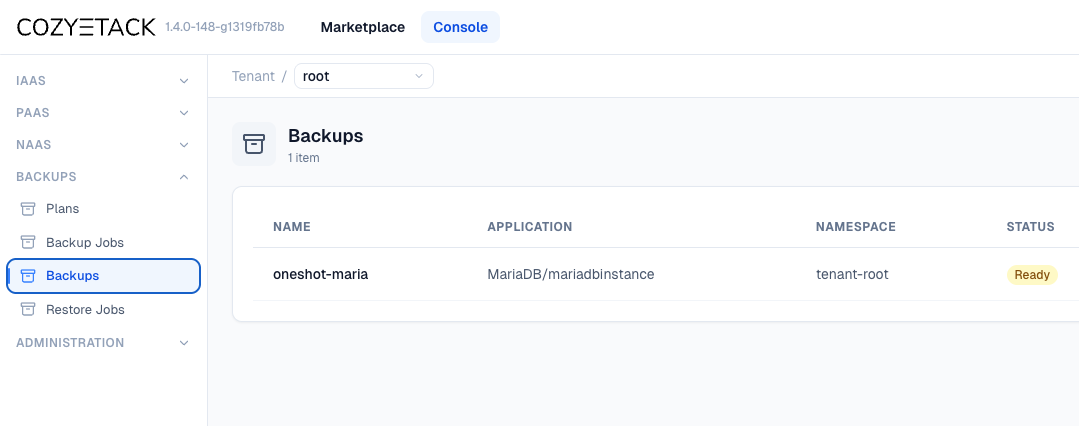
- BackupJob — a one-off backup.
- Plan — scheduled (cron) backups.
- Backup — represents the artifact produced by a BackupJob.
- RestoreJob — restores a backup into a target application.
Admin-owned:
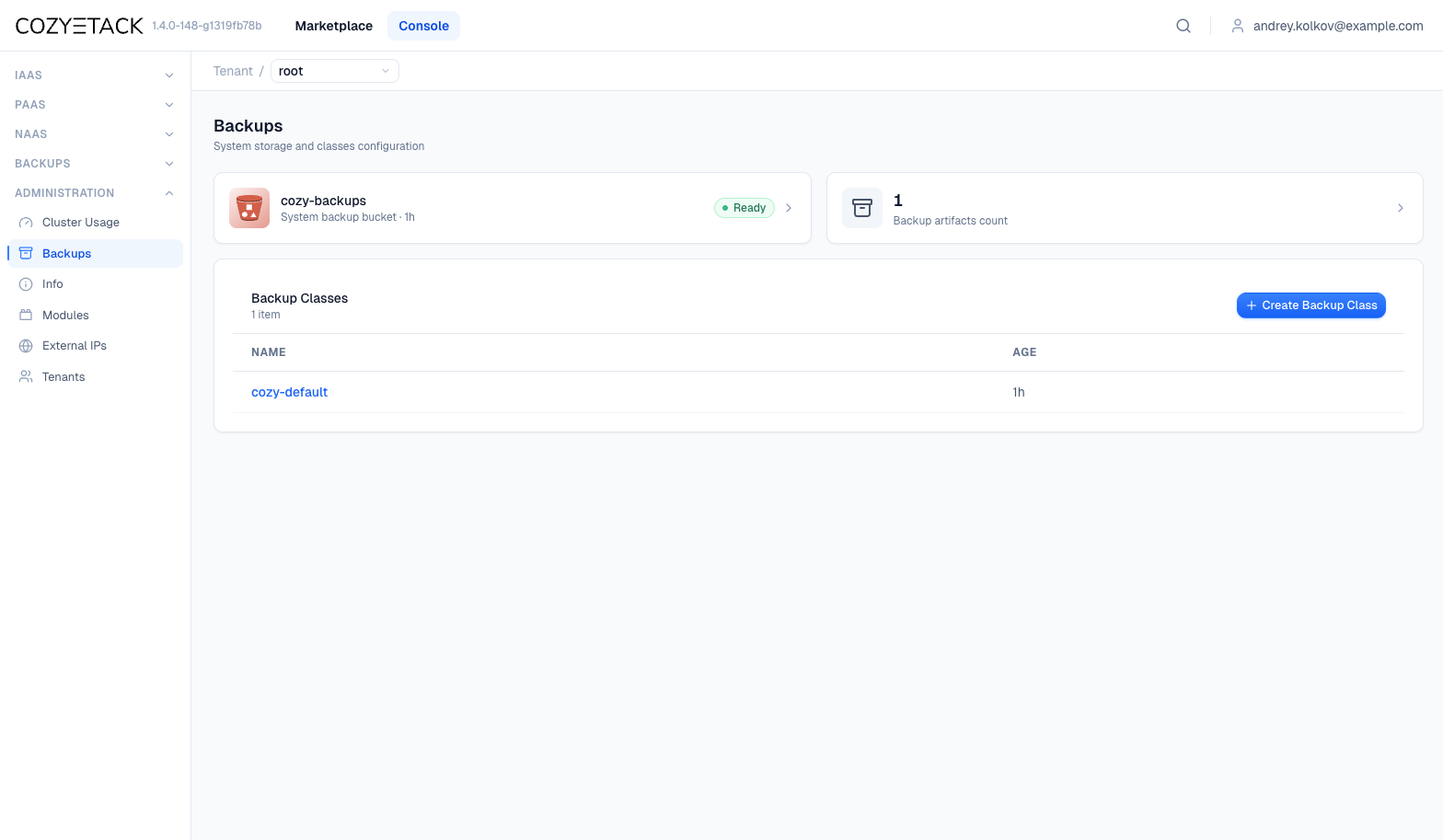
- BackupClass — binds an application Kind to a backup strategy and storage, and tunes desired parameters.
Tenants reference a BackupClass by name and never see S3 endpoints, credentials, paths, or underlying resources — those are accessible to cluster administrators only. The platform performs backups in a managed way and guarantees robustness and stability.
Cozystack ships a predefined class cozy-default and a storage bucket cozy-backups — no configuration needed to get started.
For tenant users: back up and restore your apps
The cozy-default BackupClass is provisioned automatically and already covers Postgres, MariaDB, ClickHouse, Etcd, and KubeVirt VMs (VMInstance, VMDisk). You only need to select your application — no configuration or storage setup required.
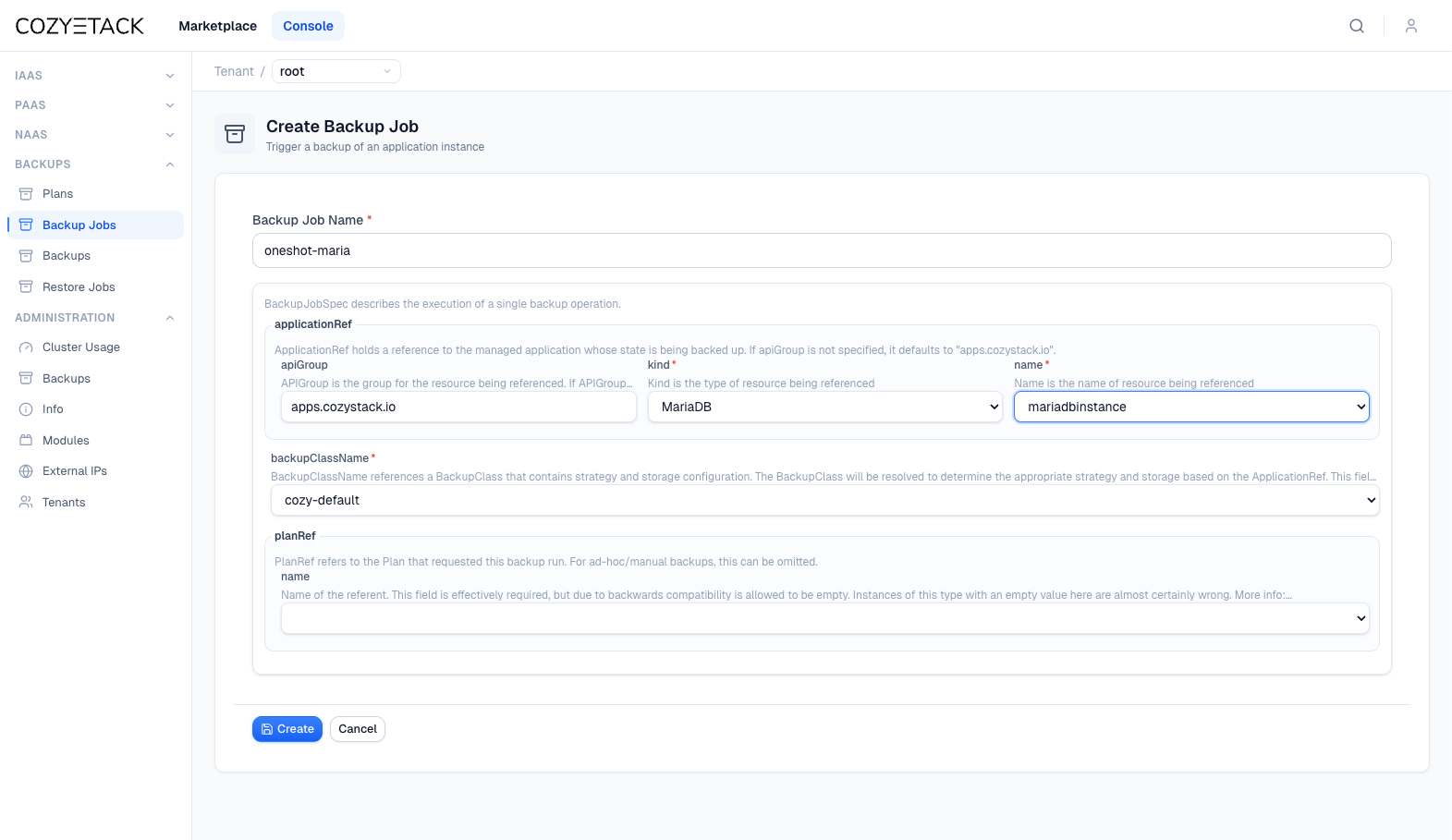
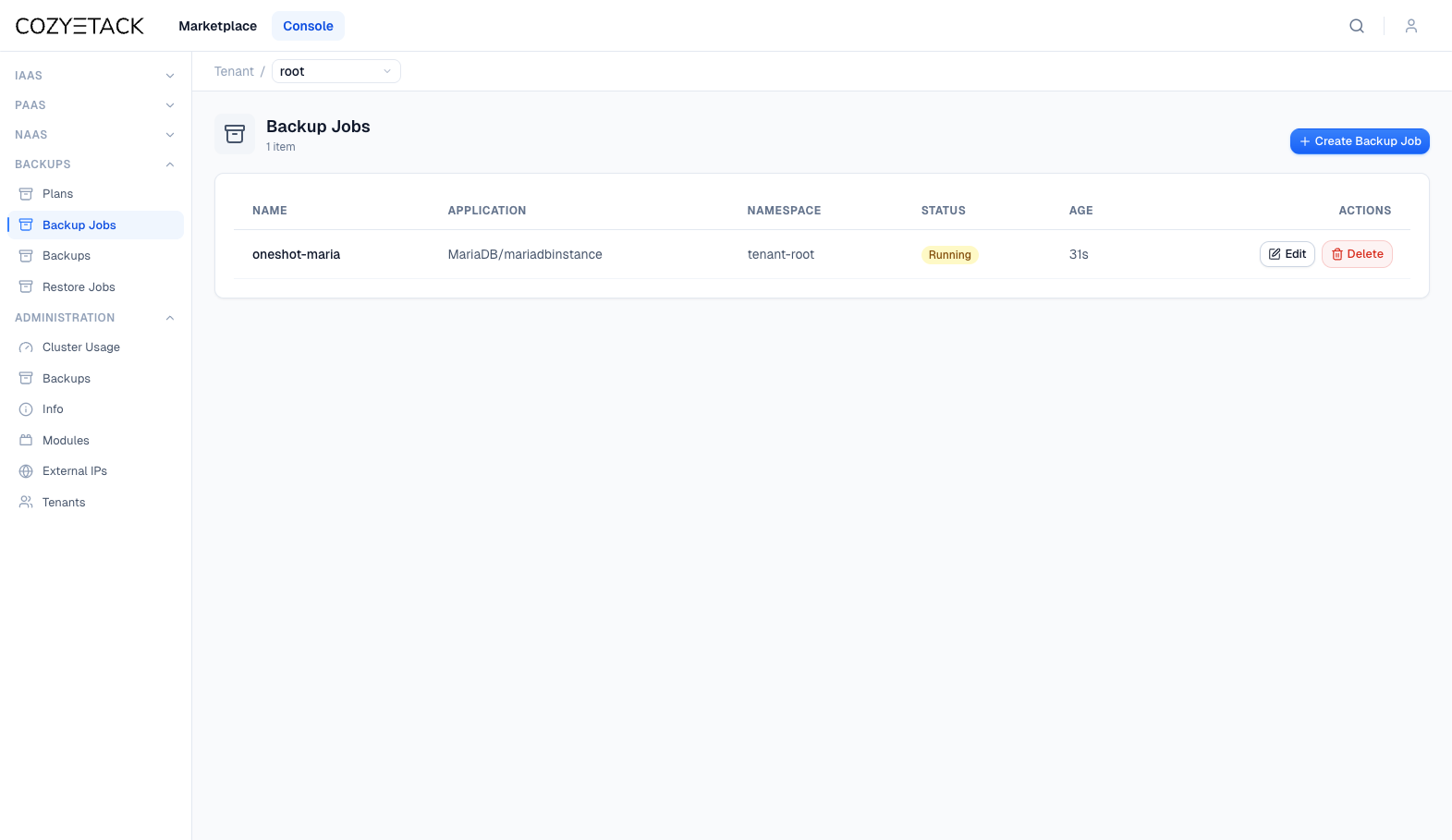
We recommend starting with a one-shot BackupJob to verify correct operation before setting up a scheduled Plan.
apiVersion: backups.cozystack.io/v1alpha1
kind: BackupJob
metadata:
  name: oneshot-mariadb
  namespace: tenant-user1
spec:
  applicationRef:
    apiGroup: apps.cozystack.io
    kind: MariaDB
    name: mariadbinstance
  backupClassName: cozy-default
Use Plan for recurring backups:
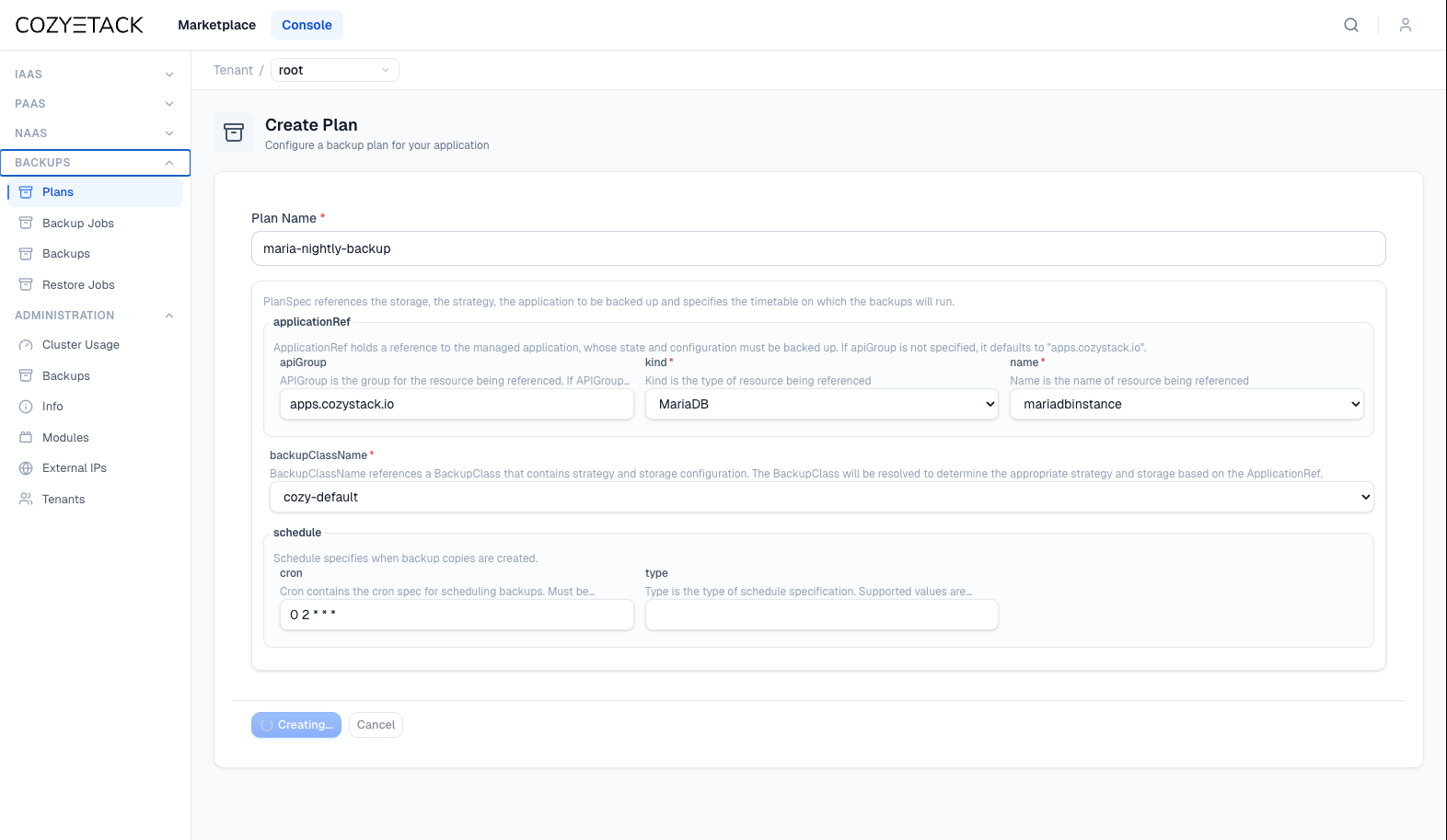
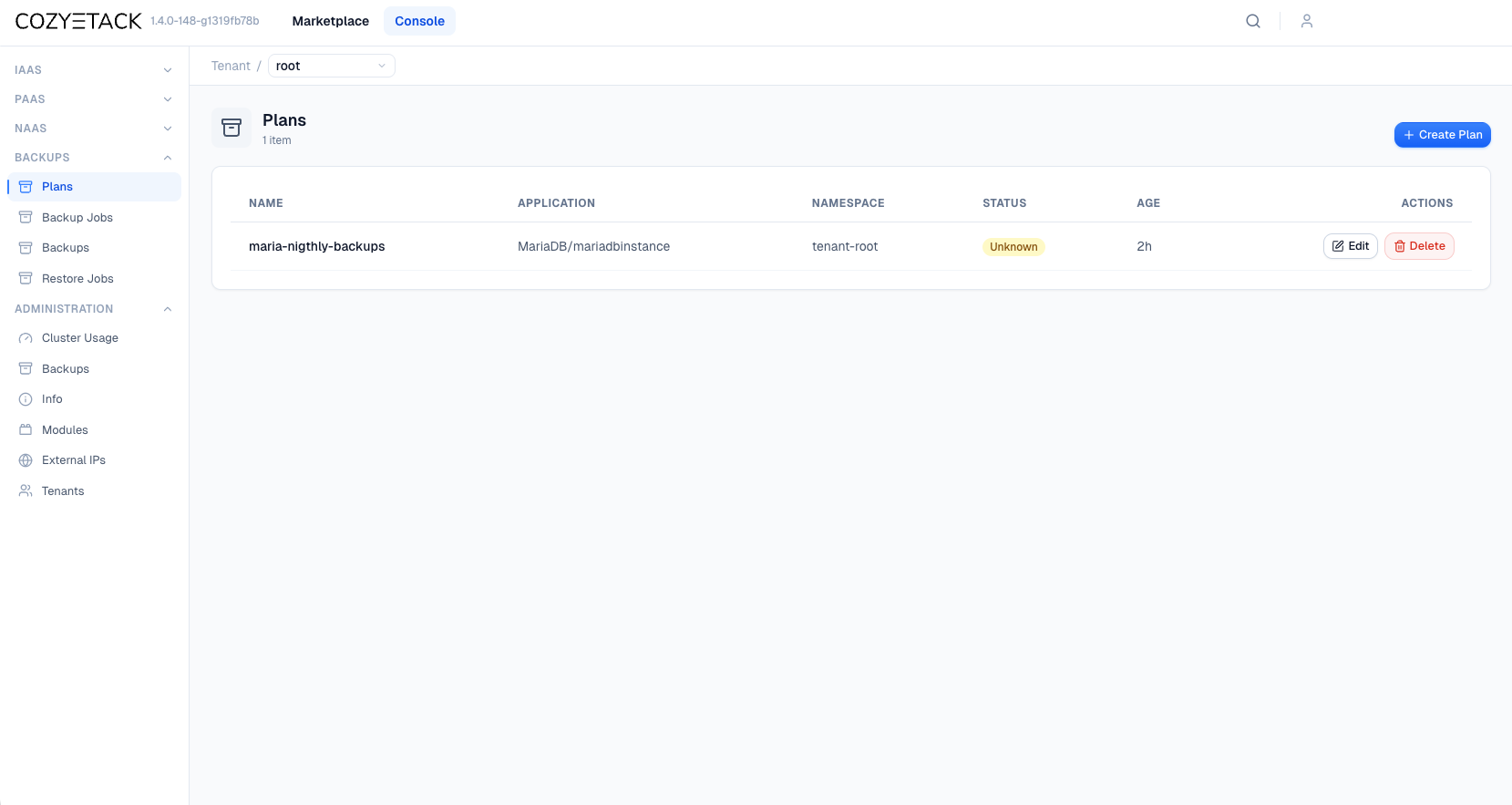
apiVersion: backups.cozystack.io/v1alpha1
kind: Plan
metadata:
  name: maria-nightly-backups
  namespace: tenant-user1
spec:
  applicationRef:
    apiGroup: apps.cozystack.io
    kind: MariaDB
    name: mariadbinstance
  backupClassName: cozy-default
  schedule:
    type: cron
    cron: "0 2 * * *"  # at 02:00
Once a BackupJob reaches phase: Succeeded, you can restore from it:
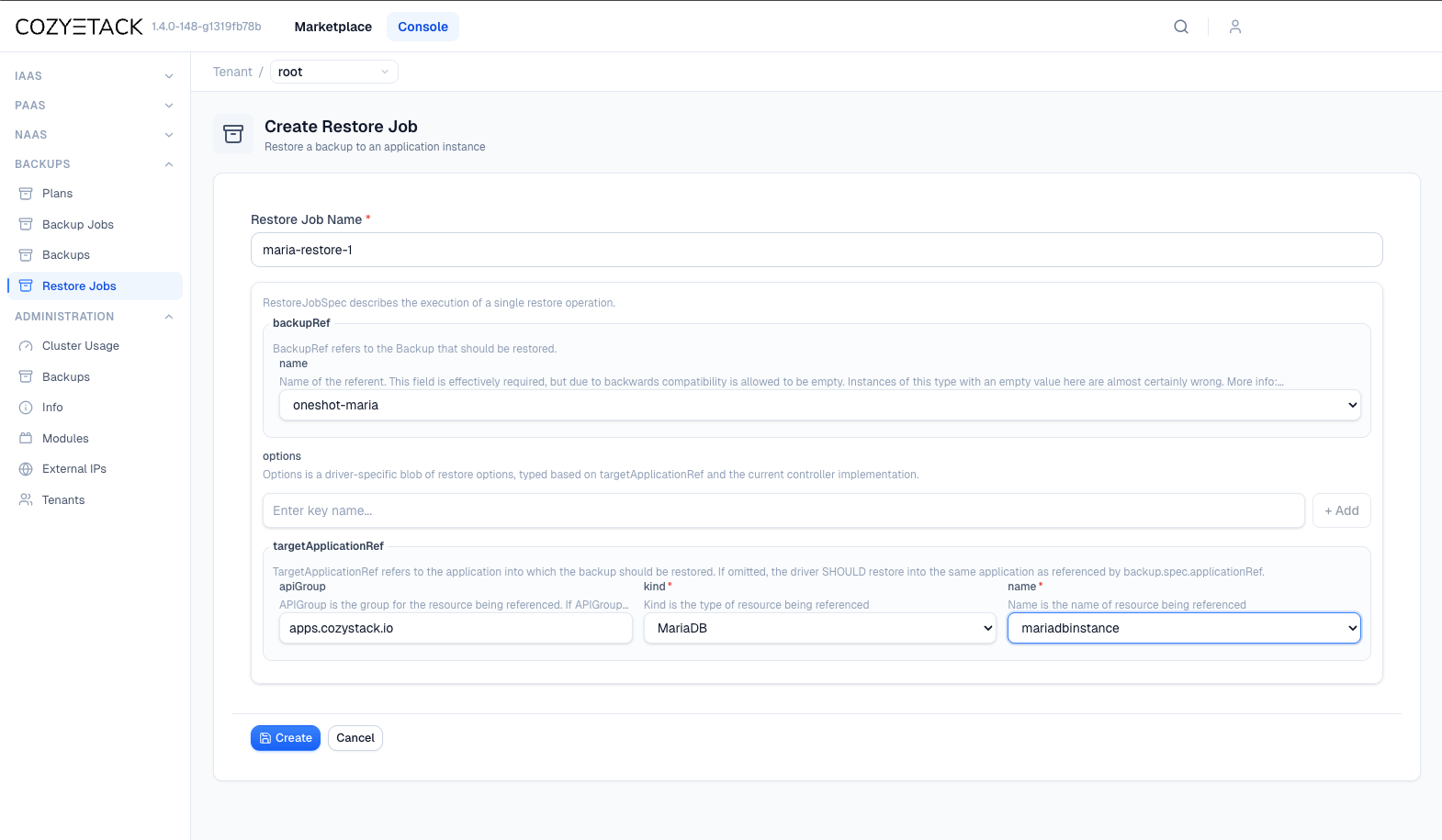
Restoring comes in two flavors. A RestoreJob either replays into the same application (in-place — fast rollback, but destructive) or into a freshly provisioned copy of the same Kind (to-copy — safe for DR drills and validation). You choose by whether you set targetApplicationRef.
For cluster admins: defaults, tuning, and opt-ins
For most platforms, cozy-default ships ready and your tenants can back up immediately without any setup.
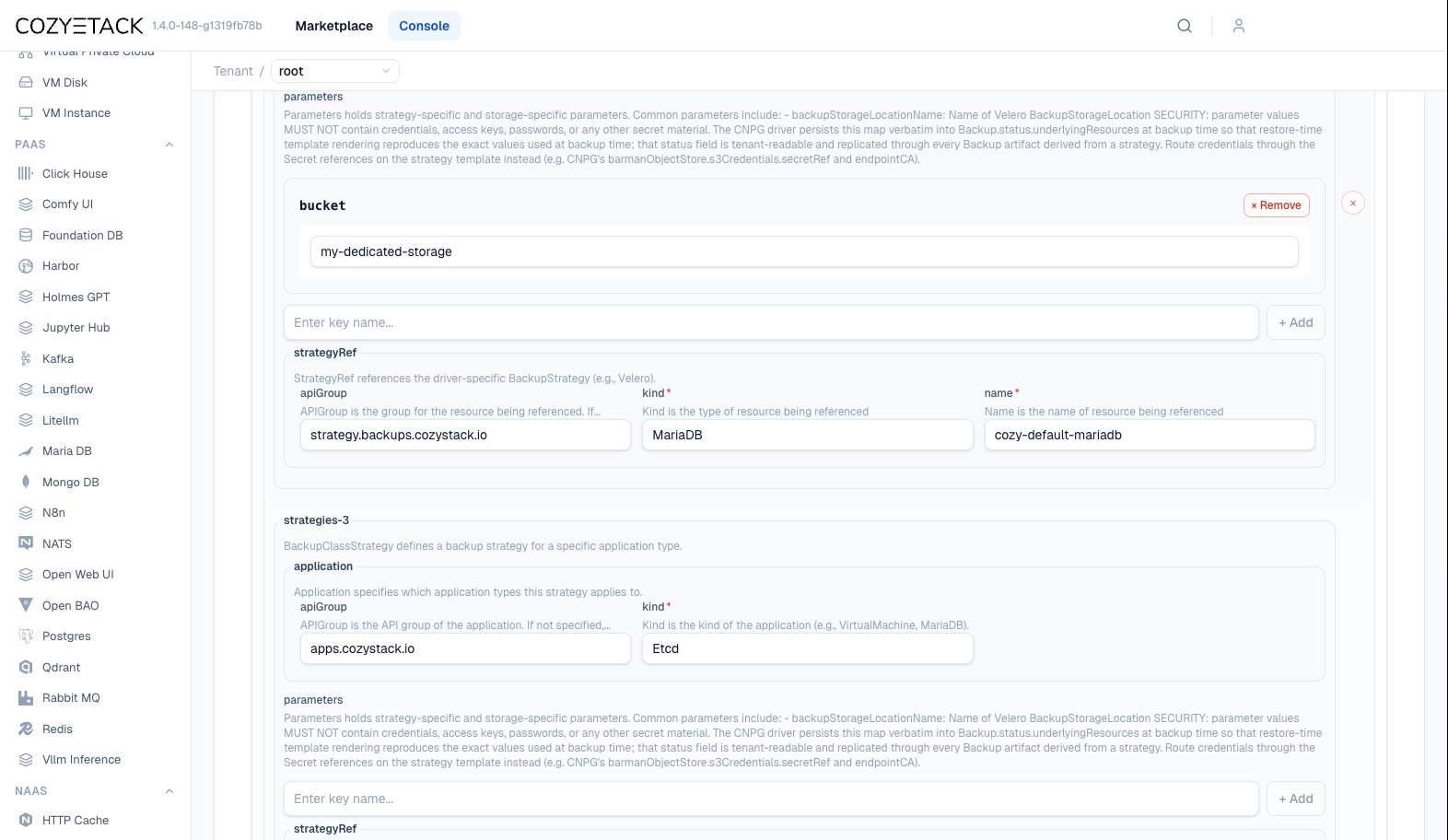
Reach for a custom BackupClass when you need to:
- tune retention for a specific application or tenant;
- enable a new Kind not bound by default;
- use a dedicated bucket — split storage for simplified maintenance.
Going further: custom strategies
The backups API is extensible. If a driver you need doesn’t exist yet, you have two routes:
- No code: the generic Job-based strategy. Reuse a plain Kubernetes Job as the backup mechanism — useful for bespoke or self-managed workloads. See the NATS example.
- A custom strategy controller built against the backups API and embedded in Cozystack, for first-class lifecycle handling.
Learn more
Join the community
- GitHub
- Telegram group
- Slack group (get invite at https://slack.kubernetes.io)
- Community Meeting Calendar